Security is strongest when it is boring, repeatable, and built into everyday development habits. The goal is not to add fear to a project, but to reduce avoidable risk before it becomes expensive.
Start With Access Control
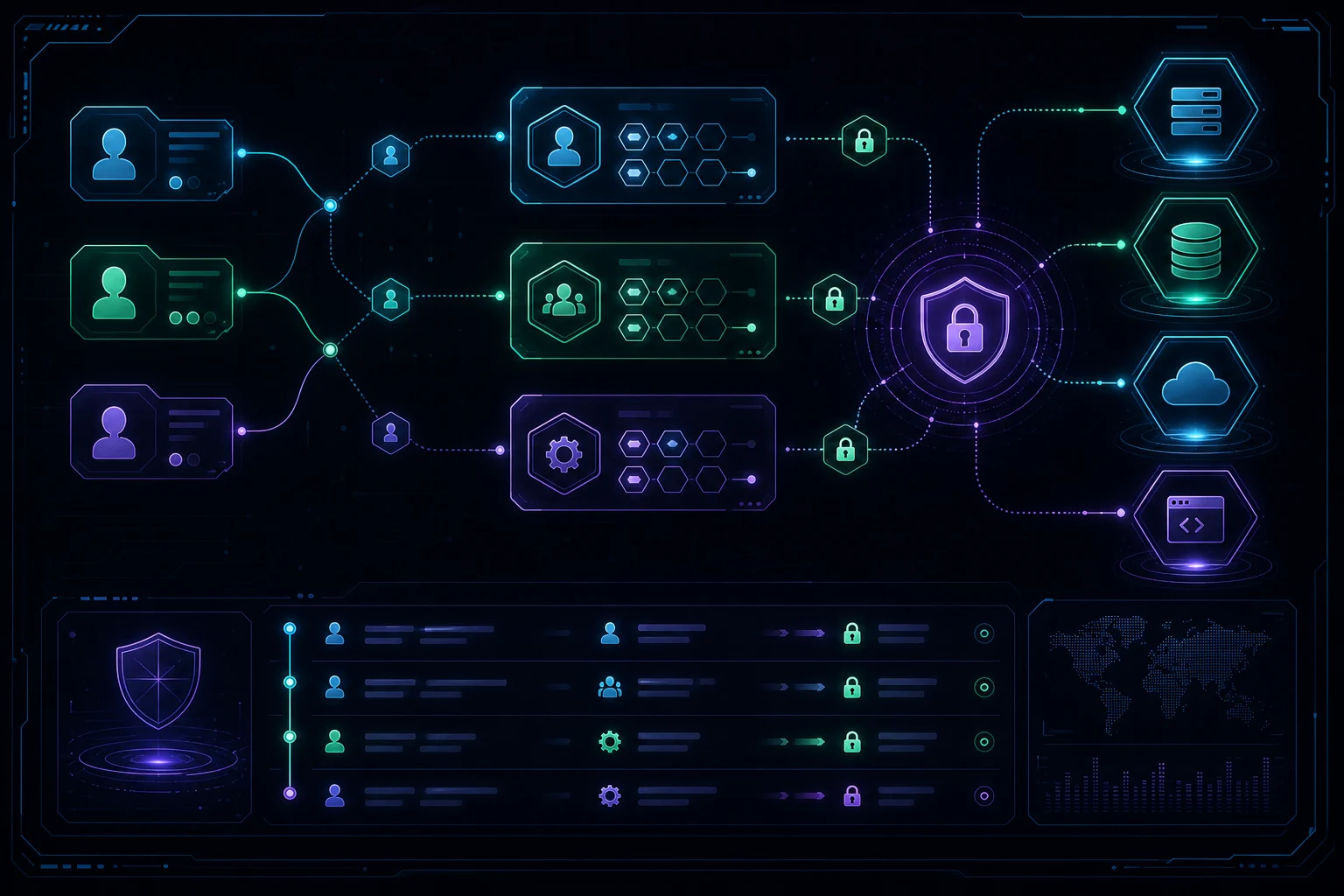
Most practical security improvements begin with identity. Users should only have the permissions they need, administrative access should be rare, and shared credentials should be removed from the workflow. This applies to WordPress admins, Laravel dashboards, hosting panels, repositories, and third-party tools.
- Use separate accounts for every team member.
- Turn on multi-factor authentication wherever possible.
- Review roles and permissions before and after launch.
Protect the Recovery Path
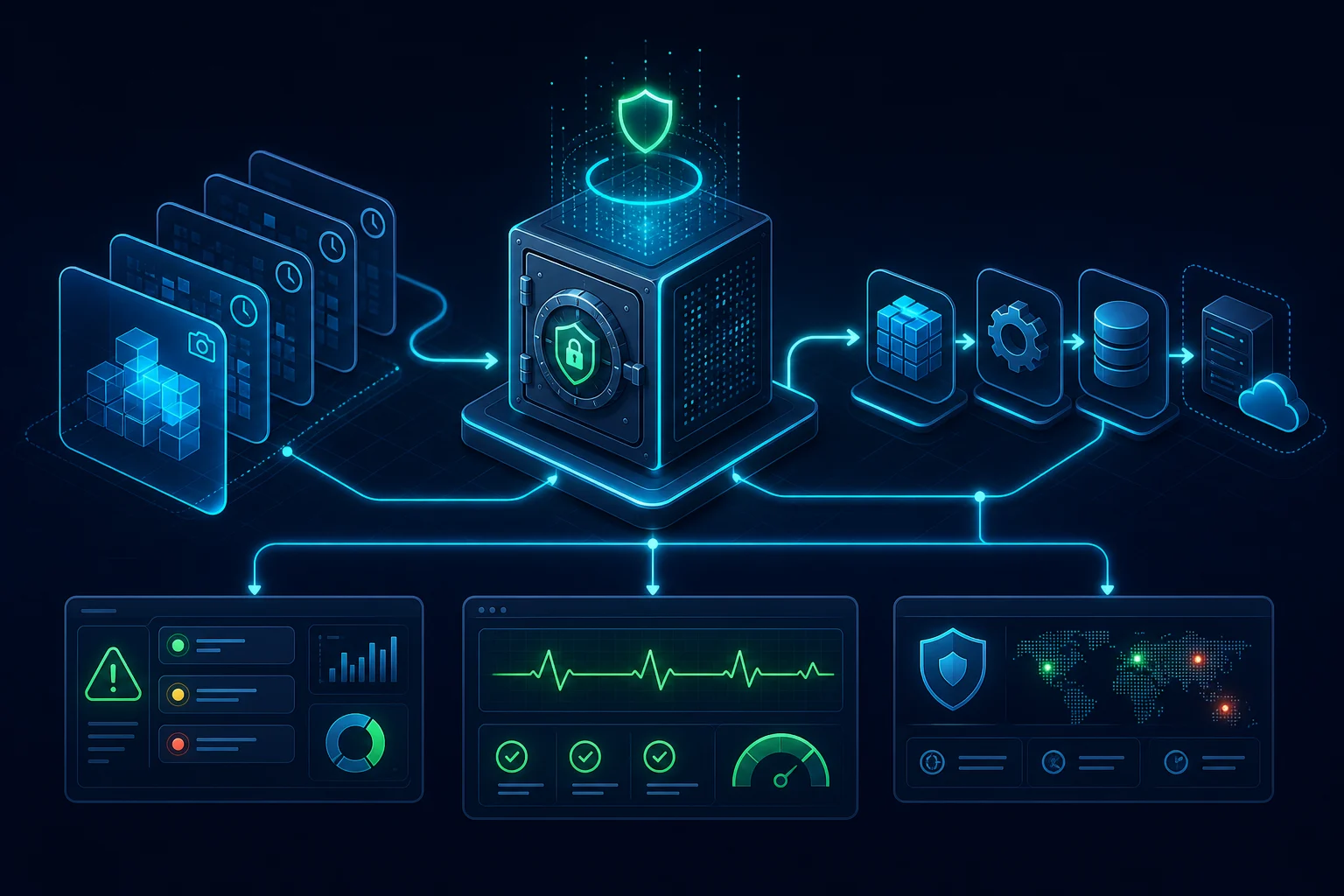
Backups are only useful if they can be restored. A good recovery plan includes database snapshots, uploaded files, configuration, environment variables, and documentation for the restore process. It should be tested before it is needed.
For production platforms, recovery also includes monitoring, alerting, and a clear incident checklist. When something fails, the team should know what changed, what is affected, and how to get the system back to a known-good state.
Keep the Attack Surface Small
Every plugin, package, integration, endpoint, and admin screen adds surface area. The safest systems are often the simplest ones: fewer dependencies, clear update ownership, limited public endpoints, and predictable deployment routines.
Security improves when the system is understandable enough to maintain calmly.