Automation works best when it removes repetitive coordination, not human judgment. The right workflow can connect tools, reduce manual handoffs, and make operations easier to measure.
Map the Workflow Before Writing Code
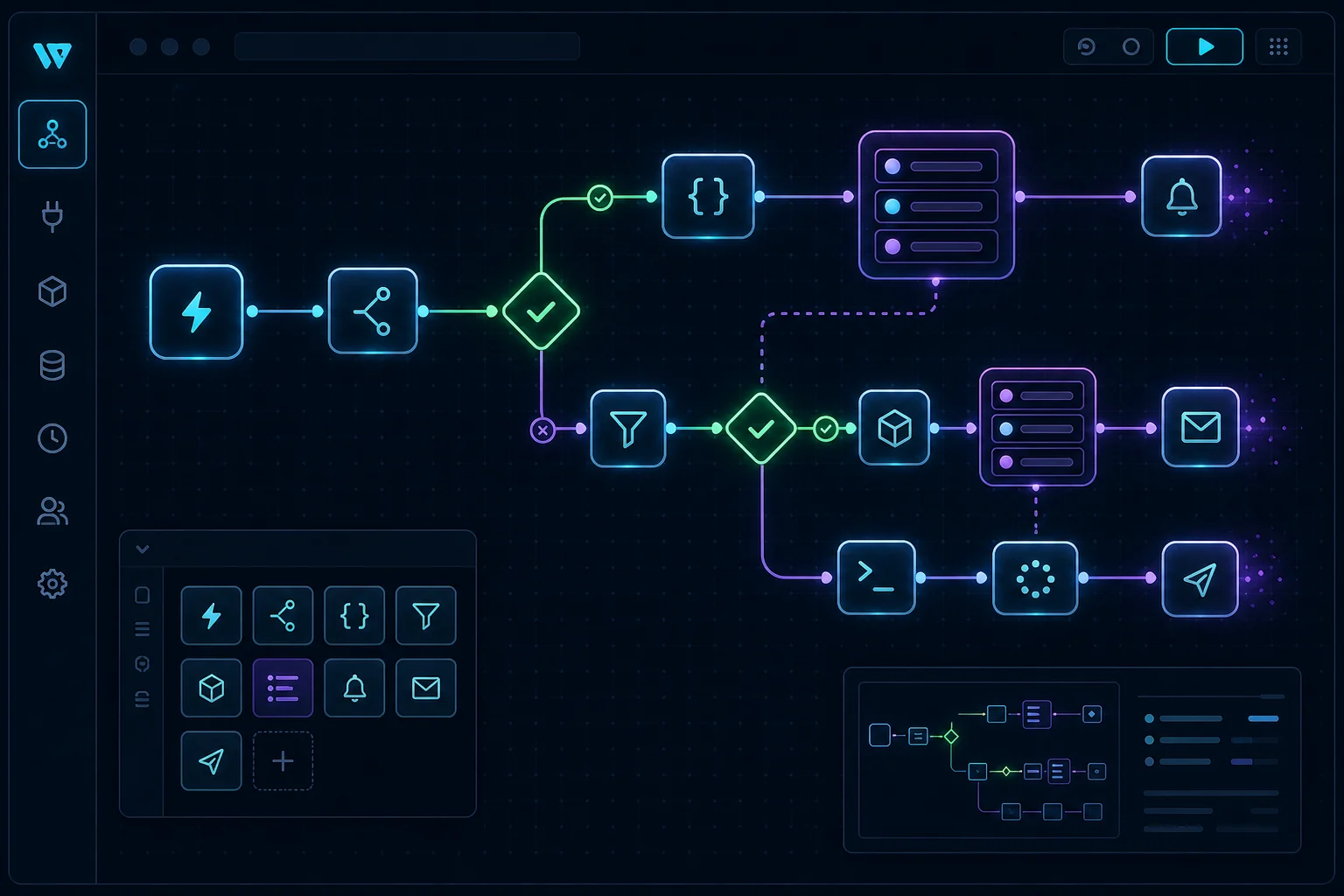
Before building an automation, write down the trigger, the required data, the decision points, the failure states, and the person who owns the outcome. This prevents the system from becoming a hidden collection of fragile scripts.
- Identify the event that starts the workflow.
- Define which data must be validated before action is taken.
- Decide what happens when an external service is unavailable.
Make Automation Observable
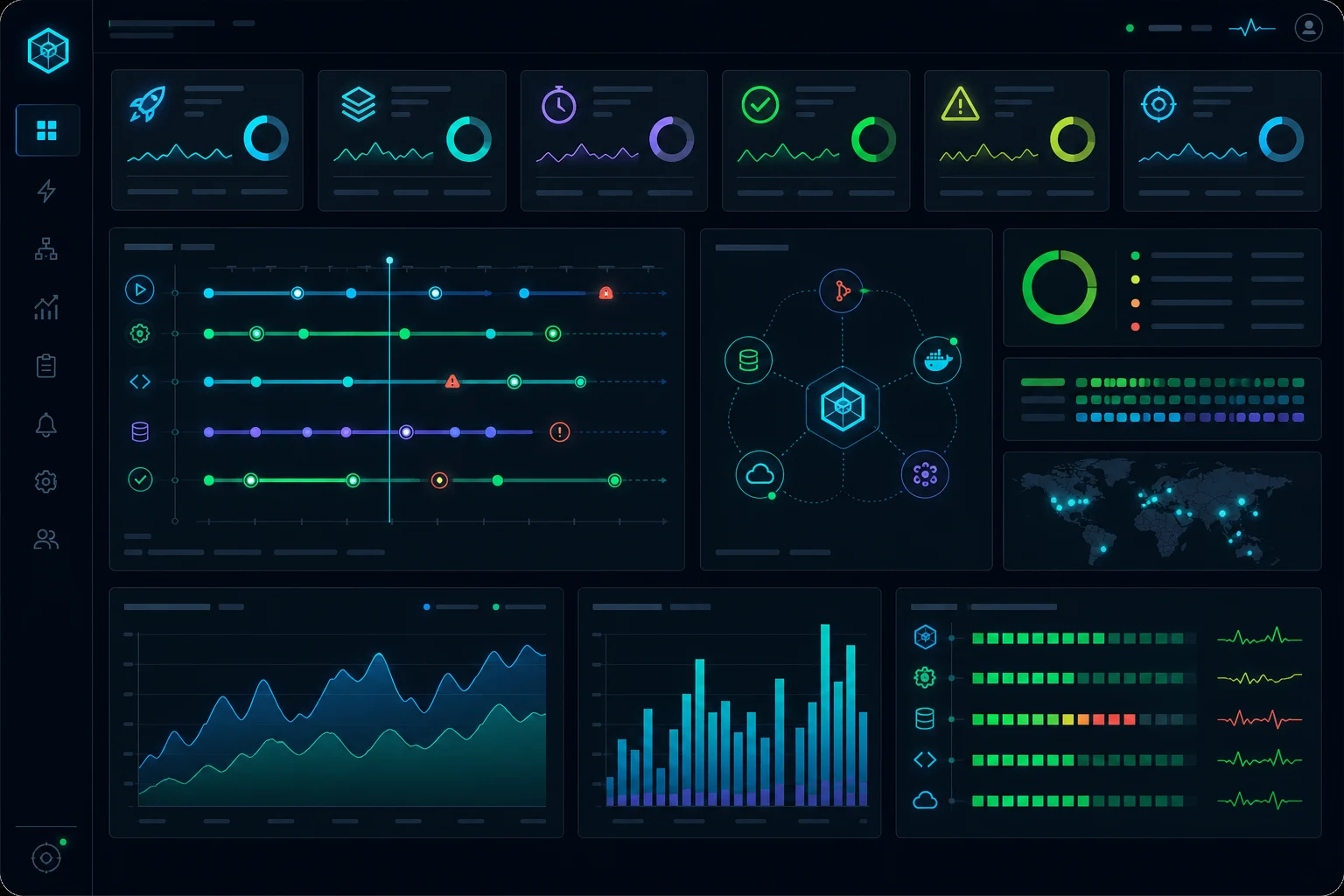
An automation that fails silently creates more work than it saves. Every important workflow should expose status, logs, retries, and a way to resolve failed items. This is especially important for CRM sync, billing events, email delivery, imports, and reporting pipelines.
Good dashboards do not need to be complex. They need to answer practical questions: what ran, what failed, what is waiting, and what requires a human decision.
Automate the Stable Parts First
The best candidates are workflows that are frequent, predictable, measurable, and painful to do manually. Start there, then expand once the process is trusted and the team understands the edge cases.
Automation should make work more visible, not more mysterious.